
Industries
IT for home-based businesses
Onsite IT for home-based businesses: office-grade Wi-Fi, secure backups, printing and a clean split between work and family devices.
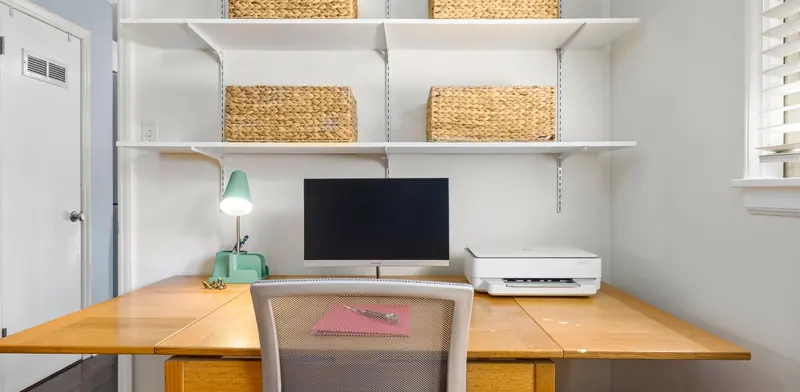
A home-based business has the same needs as a larger company, with fewer people to look after them. Client files, accounts and email run on equipment that is also used by the family, over a router that was picked for streaming. When the internet drops during a client call, or a laptop fails with the only copy of your work, the business stops. Running a business from home also raises questions about separating work and personal use, and protecting customer details. We come to your home office, set up business-grade basics and keep the solution sized sensibly for one or two people.
- One-off jobs, no contract
- After-hours work can be arranged
- Works alongside your existing IT provider
- Price agreed before work starts
IT problems home-based businesses run into
- The home router is not up to video calls, uploads and the family streaming at the same time.
- Work files live on one laptop with no backup, so a failure could stop the business.
- Work and personal devices share the same network, accounts and sometimes the same login.
- The home office is at the far end of the house, where Wi-Fi is weak.
- Printing, scanning and signing documents is clumsy, and passwords are reused across accounts.
What a good setup looks like
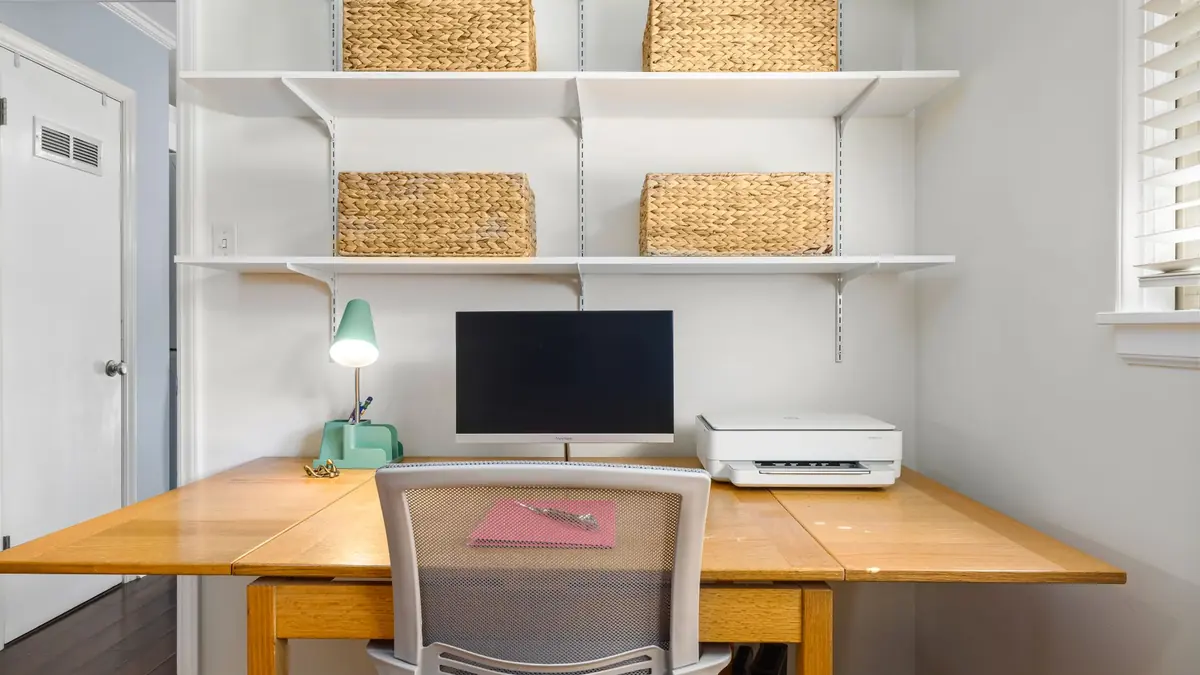
A good home office setup starts with the connection. We assess your internet service and the router, then install a better router or mesh system and, where possible, a network cable to the desk. Putting the office on a wired connection gives the steadiest calls and uploads. A separate network for work devices keeps client files away from the family's phones, consoles and smart gadgets, which can be set up on their own network.
Next comes protection of the work itself. Files are saved to a cloud workspace or a small storage unit, with a backup to a second place, and we show you how to restore a file. Business email and cloud accounts get multi-factor sign-in and a password manager replaces reused passwords. A small UPS can protect the computer and router from power dips, so a flicker does not close an unsaved document. Any mains work for a new power point is done by a registered electrician.
Finally we tidy the practical bits. A printer and scanner are set up so documents can be signed, scanned and sent without fuss, and the desk area is cabled neatly. If you need a proper business identity, we can help with Microsoft 365 email on your own domain. We leave a short plain-language guide for the setup, and because it is a one-off job, there is nothing to sign up to afterwards.
Jobs we do for home-based businesses
- Replace the home router and run cable to the home office desk.
- Create a separate work network away from family devices.
- Set up automatic backups and show how to restore a file.
- Move email and files to Microsoft 365 on the business's own domain.
- Install a printer and scanner so documents can be signed and sent easily.
- Add multi-factor sign-in and a password manager across work accounts.
Services that fit
Office Moves & New Office SetupDesks, network and printers working on day one.Wi-Fi & Network SetupWi-Fi that reaches every room. Networks that just work.Backup Setup & Disaster RecoveryBackups that follow the 3-2-1 rule and are restore-tested.Microsoft 365 Setup & MigrationMicrosoft 365 tenants, mailboxes, SharePoint and security set up properly.Home Tech HelpPatient, friendly help with anything techy at home.Printer InstallationNew printers and copiers set up on every computer.A quick IT checklist
Run through these yourself. Anything you can't tick is a good place to start:
- If your laptop failed today, could you restore your work files?
- Is your work computer on a network separate from family devices?
- Do business accounts use multi-factor sign-in and unique passwords?
- Is your video call connection reliable, ideally over a cable?
- Do you use a business email address on your own domain?
- Does your computer have protection against power dips?
What a visit looks like
When you book a business job, you tell us what's going on and we reply with a time that suits you and a price. Nothing starts until you're happy with both.
On the day, the technician arrives, looks at the problem in person and confirms the plan with you before starting. If something turns out different from what was expected - a part is needed, or the cause is somewhere else - we stop and agree the change with you first.
When the work is done we test it with you, show you what was changed, and leave the area tidy. For business jobs we note what we did, so there is a record for whoever looks after your IT next.
Pricing
Each business job is priced before work starts. The price depends on what's involved - the size of the site, the equipment, and whether parts are needed - so the quickest way to a number is to tell us about the job on the booking form.
There is no contract and no monthly fee. You book the job you need and pay for that job.
IT for home-based businesses: questions
I only have one computer. Is a business setup overkill?
Not if the business relies on it. A tested backup, protected accounts and a reliable connection are modest to set up and matter more when there is no one else to fall back on.
Can you separate my work devices from the family network?
Yes. We can set up a dedicated work network with its own name and password, so client files and business computers are kept apart from phones, consoles and smart devices used elsewhere in the house.
Do you help with phones and tablets?
No, we do not set up or repair phones or tablets. We focus on computers, networks, printers and the accounts and files the business depends on, including making sure your devices connect properly.
Is this a monthly plan?
No. Each job is a one-off visit with no contract or ongoing plan. If you need something else later, such as extra cabling or a new laptop, you can simply book another visit.
Other industries
- IT for accounting firms
- IT for law firms
- IT for real estate offices
- IT for builders and trade businesses
- IT for architects and engineers
- IT for manufacturers and workshops
- IT for logistics and warehouse sites
- IT for cafes, restaurants and bars
- IT for early childhood centres
- IT for gyms and fitness studios
- IT for property managers and landlords
- IT for retirement villages
- IT for churches and community groups