
Industries
IT for law firms
Onsite IT for legal practices: confidential storage, secure remote access, meeting room technology and dependable backups.
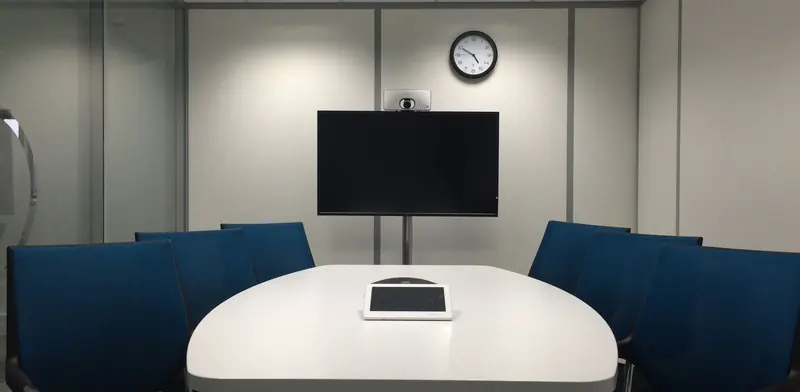
Legal work depends on confidentiality, accuracy and the ability to produce a document exactly when it is needed. A law firm's IT has to protect client files, keep matter management and document systems responsive, and let lawyers work from court, from clients' offices and from home. Obligations around client information mean that a lost laptop or a mis-shared folder is more than an inconvenience. Many firms are running on equipment that was set up for a smaller team, with permissions that have drifted and meeting rooms where the video call never quite works. We tidy those loose ends onsite, one job at a time.
- One-off jobs, no contract
- After-hours work can be arranged
- Works alongside your existing IT provider
- Price agreed before work starts
IT problems law firms run into
- Matter folders have accumulated loose permissions over the years, so people can open files they have no need to see.
- Lawyers work from courts, client premises and home on laptops that are not consistently encrypted or updated.
- Meeting rooms struggle with video calls, shared screens and the wireless presentation tools visitors expect.
- Backups exist but have never been restored, and nobody is sure how long recovery would take.
- Printing, scanning and large document bundles are slow because of an overloaded network and ageing multifunction devices.
What a good setup looks like
A well-run legal office separates what must stay private from what can be shared. We build the network with a business firewall, separate networks for staff, guests and any building or tenant equipment, and Wi-Fi that holds up in every meeting room. Visitors and clients get an internet-only guest network, so a client laptop in the boardroom never has a path to matter files. Each cable run and patch port is labelled and recorded for whoever looks after the system next.
Document storage and devices follow. We organise file permissions by team and matter type, switch on encryption on every laptop, and enforce multi-factor sign-in for email and any cloud system that holds client information. Remote access uses a secured VPN or a managed cloud workspace, never an open port left over from an old project. Backups go to separate locations, one of them offline, and we restore sample documents with a senior person watching so the result is trusted, not assumed.
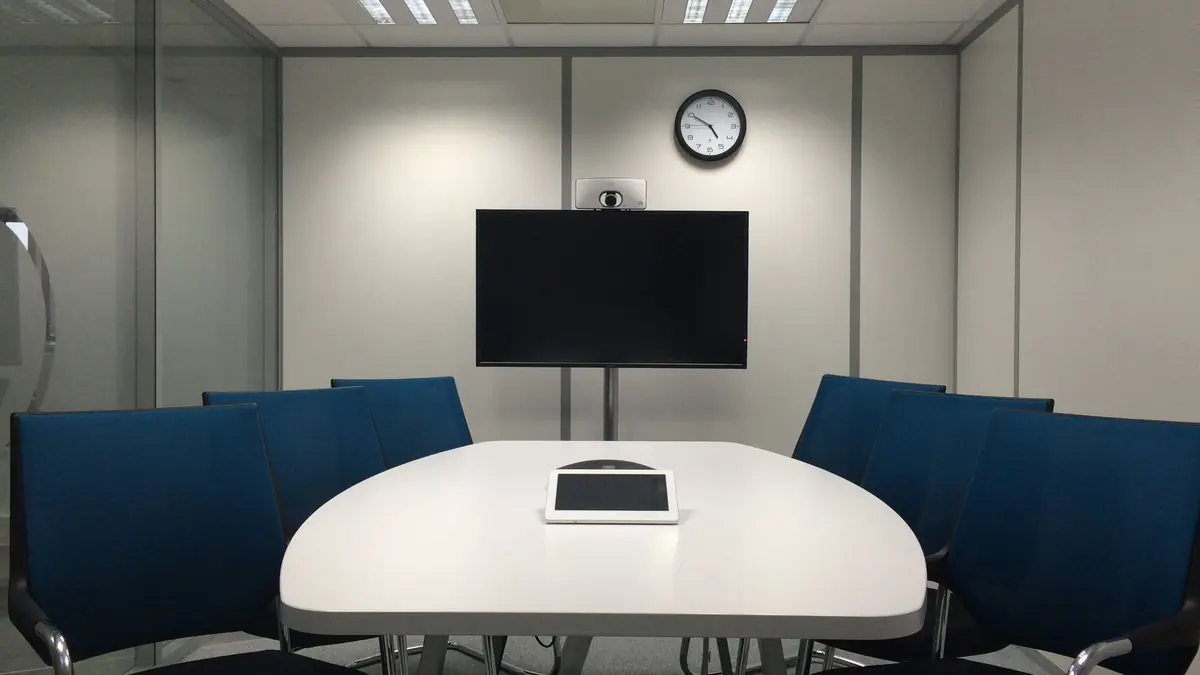
The last piece is the room technology that clients actually see. Boardrooms get a screen or projector, a camera, a speakerphone or ceiling microphone and a single clear way to connect, so a video hearing or a client call starts without fuss. We also set up scanning and printing so secure release is available where needed. Everything is written up in a short handover document listing devices, accounts and backup locations for the practice manager.
Jobs we do for law firms
- Rebuild matter folder permissions so access matches the people working on each file.
- Fit out a boardroom with a screen, camera and microphone that connect in one step.
- Encrypt laptops and turn on multi-factor sign-in across the whole firm.
- Install a business firewall and separate guest Wi-Fi from the staff network.
- Replace an ageing file server and move documents without losing history.
- Wipe and dispose of retired computers with a record of the data removal.
Services that fit
Office Moves & New Office SetupDesks, network and printers working on day one.Firewall & Network SecurityBusiness firewalls, VLANs and VPNs configured and documented onsite.Backup Setup & Disaster RecoveryBackups that follow the 3-2-1 rule and are restore-tested.Meeting Rooms & Video ConferencingScreens, cameras and audio that make meetings start on time.Microsoft 365 Setup & MigrationMicrosoft 365 tenants, mailboxes, SharePoint and security set up properly.PC & Laptop RolloutsNew computers prepared, deployed and old ones wiped and retired.A quick IT checklist
Run through these yourself. Anything you can't tick is a good place to start:
- Does each person have access only to the matters they work on?
- Are all laptops encrypted and set to lock automatically?
- Can visitors reach the internet without touching the staff network?
- Do you know where every backup copy is, and has one been restored recently?
- Is multi-factor sign-in switched on for email and document systems?
- Do old computers and drives leave the building only after the data is wiped?
What a visit looks like
When you book a business job, you tell us what's going on and we reply with a time that suits you and a price. Nothing starts until you're happy with both.
On the day, the technician arrives, looks at the problem in person and confirms the plan with you before starting. If something turns out different from what was expected - a part is needed, or the cause is somewhere else - we stop and agree the change with you first.
When the work is done we test it with you, show you what was changed, and leave the area tidy. For business jobs we note what we did, so there is a record for whoever looks after your IT next.
Pricing
Each business job is priced before work starts. The price depends on what's involved - the size of the site, the equipment, and whether parts are needed - so the quickest way to a number is to tell us about the job on the booking form.
There is no contract and no monthly fee. You book the job you need and pay for that job.
IT for law firms: questions
How do you handle confidential material while onsite?
We configure the systems around your documents rather than reading them. Where a task touches files, such as testing a restore, we work with a sample you choose and keep you in the room. We do not copy or keep client data.
Can you set up our boardroom for video hearings and client calls?
Yes. We fit screens or projectors, a camera, microphones and speakers, then test with your actual video platform. The aim is one simple connection method so lawyers and visiting clients can start a call without a technician.
Our lawyers work from home and from court. What do you do about that?
We set up secure remote access with multi-factor sign-in, encrypted laptops and a way to reach documents without leaving copies scattered across personal devices. We also advise on locking down public Wi-Fi use on the road.
Do you provide legal or privacy advice?
No. We handle the technical side: storage, permissions, backups, devices and networks. Your obligations under the NZ Privacy Act 2020 and professional rules are for you and your advisers, but we can show you clearly how your systems are set up.
Other industries
- IT for accounting firms
- IT for real estate offices
- IT for builders and trade businesses
- IT for architects and engineers
- IT for manufacturers and workshops
- IT for logistics and warehouse sites
- IT for cafes, restaurants and bars
- IT for early childhood centres
- IT for gyms and fitness studios
- IT for property managers and landlords
- IT for retirement villages
- IT for churches and community groups
- IT for home-based businesses