
Industries
IT for logistics and warehouse sites
Onsite IT for logistics and warehouse sites: wide-coverage Wi-Fi, scanner connectivity, yard cameras, resilient internet and tidy cabling.
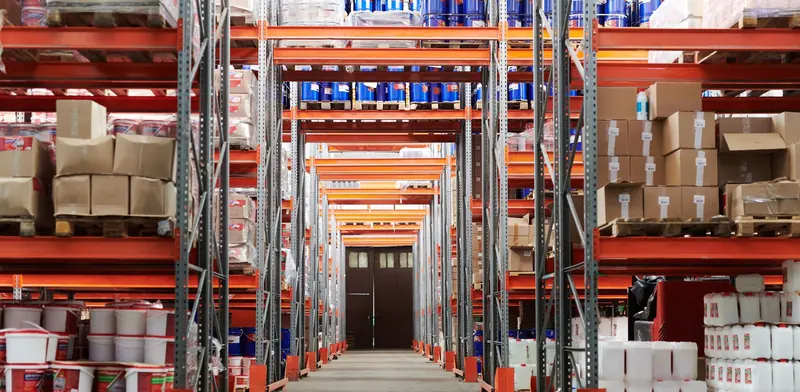
Warehouses and logistics yards depend on connectivity that covers a very large area. Scanners, label printers, forklifts, weighbridges and dispatch desks all talk to the same system, so a Wi-Fi dead spot in the racking is a stock error waiting to happen. Many sites started small and grew by adding sheds and offices, leaving a network with long cable runs, mixed equipment and little documentation. Internet failure can stop trucks leaving. We survey the building, fix coverage, protect the connection and leave the site documented, so day-to-day running is simple.
- One-off jobs, no contract
- After-hours work can be arranged
- Works alongside your existing IT provider
- Price agreed before work starts
IT problems logistics and warehouse sites run into
- Scanners lose connection between aisles because Wi-Fi coverage is thin around tall racking.
- Long cable runs between sheds, docks and offices are damaged, unlabelled or too long for copper.
- A single internet connection means orders and dispatch stop when it drops.
- Label printers and dispatch desk printers fall off the network when settings or addresses change.
- Yard and dock cameras are poorly placed, with footage that is hard to find or incomplete.
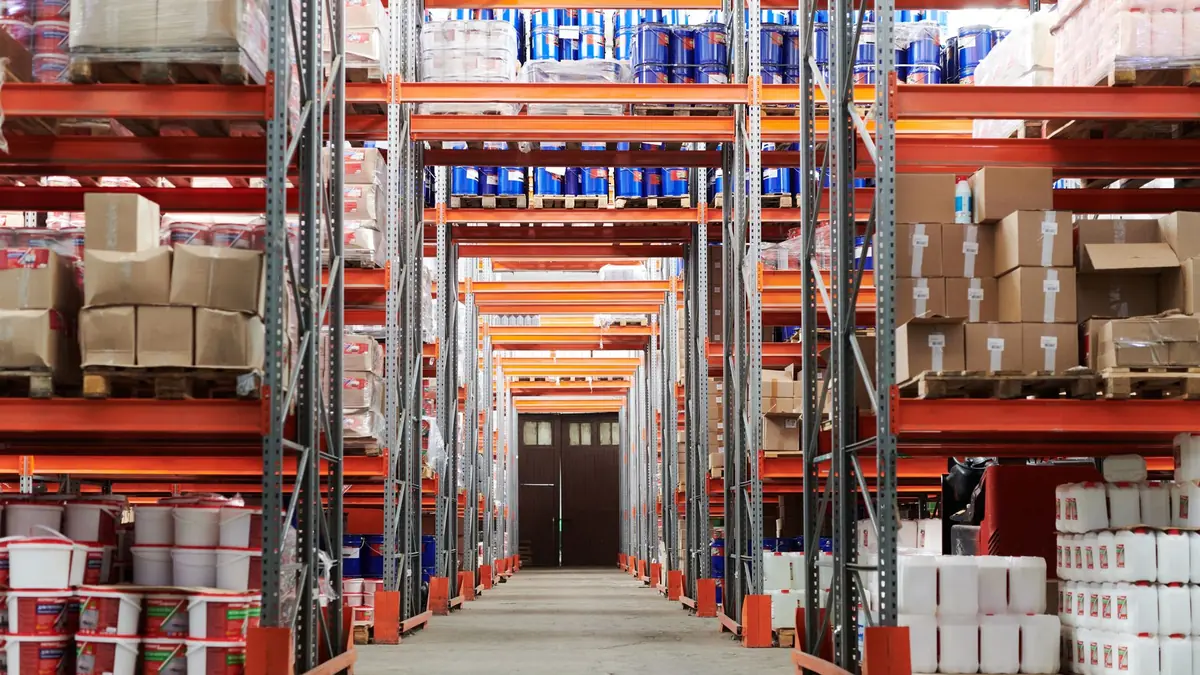
What a good setup looks like
A dependable warehouse network begins with a proper survey. We measure signal through the racking, note where handheld scanners are used, and plan access point positions, mounting heights and channel settings. Access points rated for dusty, cool or chilled spaces are installed at the right points, and each is wired back to a switch with clean, labelled cabling. We aim for roaming that is smooth, so a scanner moving from dock to aisle does not drop its session.
Backbone and resilience come next. Where buildings or bays are further apart than copper can serve, we install fibre links with patch panels and spare capacity. For internet, a second connection, such as fixed wireless, fibre from another provider or Starlink, is configured to take over automatically if the main line fails. A business firewall separates office, guest and scanner networks, and key switches are on UPS protection so a short power interruption does not drop the site.
Finally we cover the fixed devices and the yard. Label printers and dispatch desk printers are given fixed network addresses and documented, so they come back in the same place after a reboot. Cameras cover dock doors, gates and yard areas, recording to a secure unit with a simple method to find footage. We hand over a site map showing cabinets, switches and access points, which makes later changes far simpler for whoever is on shift.
Jobs we do for logistics and warehouse sites
- Survey the racking and install access points for solid scanner coverage.
- Link docks, offices and outbuildings with fibre and patch panels.
- Add an automatic backup internet connection so dispatch keeps running.
- Give label printers fixed addresses and document each one.
- Install dock, gate and yard cameras recording to a secure unit.
- Put core switches on a UPS and label every cabinet and port.
Services that fit
Warehouse & Industrial Wi-FiWi-Fi that scanners and forklift terminals can roam on reliably.Business Internet & FailoverA second internet connection that takes over when fibre drops.Fibre Optic CablingFibre links between buildings, floors and distant comms cabinets.Data & Network CablingStructured Cat6/6A and fibre cabling, patch panels and cabinets.CCTV & Security CamerasCameras you can check from your phone, installed properly.UPS InstallationBattery backup so a power cut never takes you down.A quick IT checklist
Run through these yourself. Anything you can't tick is a good place to start:
- Do scanners hold their connection in every aisle and at every dock?
- Is there a backup internet link that takes over automatically?
- Are label and dispatch printers on fixed network addresses?
- Are long cable runs between buildings fibre rather than stretched copper?
- Do cameras cover dock doors, gates and the yard clearly?
- Is there a current map of cabinets, switches and access points?
What a visit looks like
When you book a business job, you tell us what's going on and we reply with a time that suits you and a price. Nothing starts until you're happy with both.
On the day, the technician arrives, looks at the problem in person and confirms the plan with you before starting. If something turns out different from what was expected - a part is needed, or the cause is somewhere else - we stop and agree the change with you first.
When the work is done we test it with you, show you what was changed, and leave the area tidy. For business jobs we note what we did, so there is a record for whoever looks after your IT next.
Pricing
Each business job is priced before work starts. The price depends on what's involved - the size of the site, the equipment, and whether parts are needed - so the quickest way to a number is to tell us about the job on the booking form.
There is no contract and no monthly fee. You book the job you need and pay for that job.
IT for logistics and warehouse sites: questions
Can you cover a large warehouse with Wi-Fi?
Yes. We survey the floor first, taking racking, stock height and construction into account, then plan access points to give consistent coverage. Larger sites simply use more access points, wired back to proper switches.
What happens to our scanners if you change the network?
We plan the change so scanners and connected devices are tested before we leave. Where possible we keep existing network names and settings, which avoids reconfiguring each handheld unit.
Can you work in a chilled or dusty environment?
We use equipment rated for the conditions and mount it in suitable enclosures. For chilled areas we choose access points and cabling that cope with temperature, and we plan cable routes to avoid condensation problems.
Can you set up internet that does not drop out?
We can add a second connection from a different source and configure automatic failover, so traffic moves if the main line fails. No connection is immune to faults, but two independent paths greatly reduce the chance of a full stop.
Other industries
- IT for accounting firms
- IT for law firms
- IT for real estate offices
- IT for builders and trade businesses
- IT for architects and engineers
- IT for manufacturers and workshops
- IT for cafes, restaurants and bars
- IT for early childhood centres
- IT for gyms and fitness studios
- IT for property managers and landlords
- IT for retirement villages
- IT for churches and community groups
- IT for home-based businesses