
Seniors' Computer Help
Tech setup for a move into a retirement village, on site
Mum is moving into a retirement village and needs her computer, internet, printer and video calls set up in the new place.
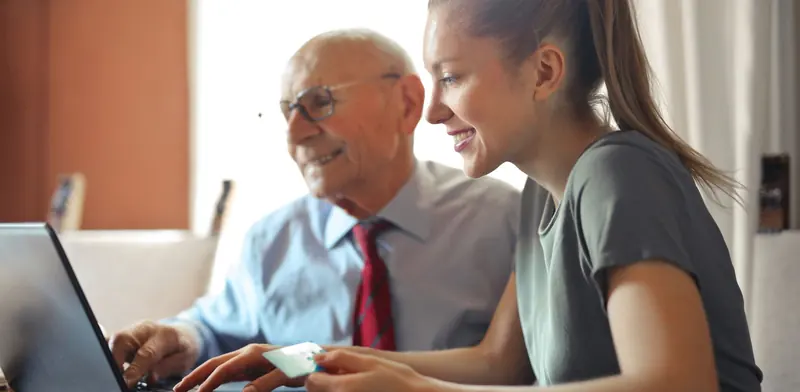
Mum is moving into a retirement village and needs her computer, internet, printer and video calls set up in the new place.
A move into a retirement village is a good moment to make the technology simpler. Some villages provide internet through a shared network with its own sign-in, while others leave residents to arrange their own connection. We find out which applies, get the computer online, and reconnect or set up the printer so letters and photos can be printed without fuss. Email is checked so messages from family and the bank still arrive and nothing important is lost in the move.
What the technician does
- Get the internet connection working in the new unit or apartment
- Set up the computer, printer and email, with a video calling app
- Practise video calls together and leave large-print notes
Ask the village how internet is provided - some have a shared network, others need a separate connection.
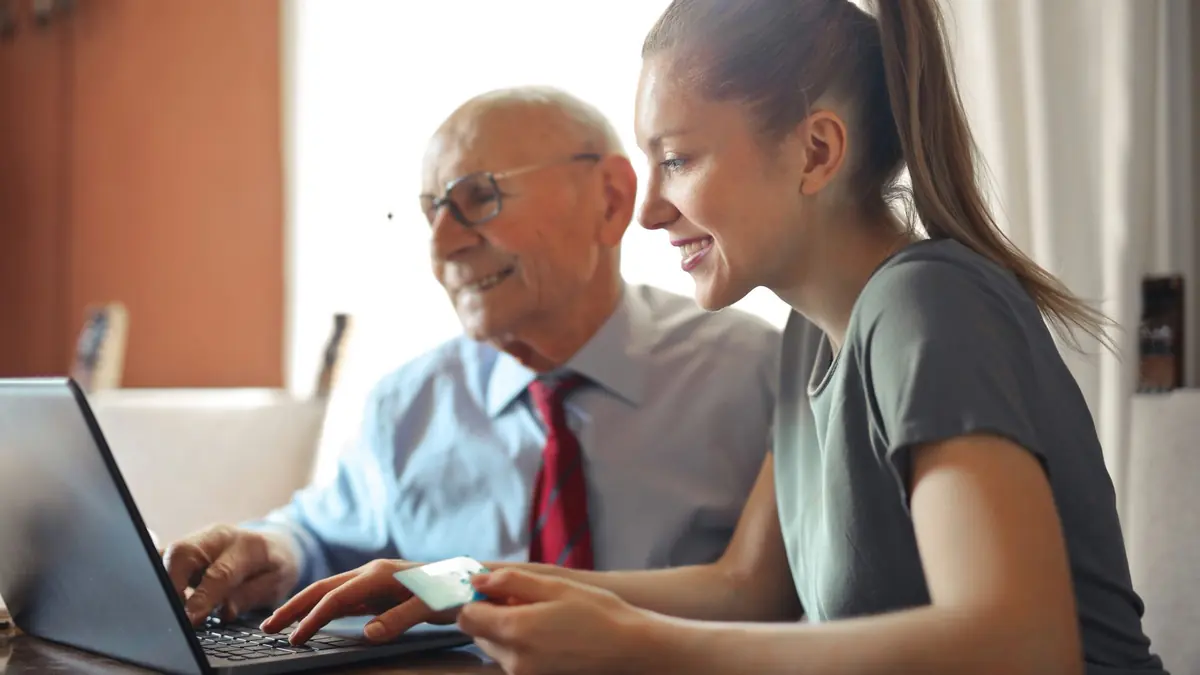
About tech setup for a move into a retirement village
Video calling is often the reason families get in touch, so we set up the app the family already uses, test a call with a relative, and make sure the camera, speakers and mic work well in the room where calls will happen. We then write large-print notes covering the everyday tasks in plain steps - turning things on, joining a call, printing and checking email - and leave them beside the computer. Family members can be included so everyone knows how it is set up.
What usually causes it
- Moving from a family home to a village unit or apartment
- The village has a different internet arrangement
- Wanting regular video calls with family overseas or in other cities
- A new computer bought for the move
Before we arrive
- Your SuperGold card, if you have one
- The computer and any passwords you know
- A list of what you would like to learn or fix
- A family member's contact, if you would like them involved
What a visit looks like
When you book tech setup for a move into a retirement village, you tell us what's going on and we reply with a time that suits you and a price. Nothing starts until you're happy with both.
On the day, the technician arrives, looks at the problem in person and confirms the plan with you before starting. If something turns out different from what was expected - a part is needed, or the cause is somewhere else - we stop and agree the change with you first.
When the work is done we test it with you, show you what was changed, and leave the area tidy. For business jobs we note what we did, so there is a record for whoever looks after your IT next.
Pricing
From $116 + GST + $30 call-out ($163.40 incl. GST) for SuperGold card holders
| Charge | Price | Incl. GST |
|---|---|---|
| Call-out, per onsite visit | $26.09 + GST | $30 |
| First hour on site | $135 + GST | $155.25 |
| Each half hour after the first hour | $60 + GST | $69 |
| Remote help session (no call-out) | $60 + GST | $69 |
| SuperGold card holders - first hour at home | $116 + GST | $133.40 |
Estimate your visit
$185.25 incl. GST, call-out included
An estimate at our standard rates. Bigger jobs get a free quote before we start.
Every visit includes
- Travel to your site
- Diagnosis on site
- Fix tested with you
- Plain-English explanation
- Notes for business jobs
- Tidy finish
Tech setup for a move into a retirement village is charged at our standard rates: a $30 call-out, the first hour, then half-hour blocks. We never charge by the minute or in 15-minute steps, and there are no hidden extras.
Larger jobs - a new network, a run of cabling, a server or a camera system - get a free quote before any work starts, so you know the cost up front. Parts and equipment are quoted and agreed before we order them.
There is no contract, no monthly fee and no membership. You book the job you need and pay for that job.
Tech setup for a move into a retirement village: questions
Can a family member be there or join remotely?
Yes. Many families like to be present or on a video call during the visit, so they can see how things are set up and help later on.
Do you help with devices other than a computer?
We work with computers, laptops, printers and internet. If a television or video calling screen is part of the setup, we can look at that too, but we do not set up handheld mobile devices.
Do you do tech setup for a move into a retirement village on site?
Yes. We come to businesses and homes across Auckland and Hamilton and do the work where the equipment is.
How much does tech setup for a move into a retirement village cost?
It depends on what's involved. Tell us about the job on the form and we'll confirm the price before any work starts.